The Penny Hoarder’s Budgeting App Methodology

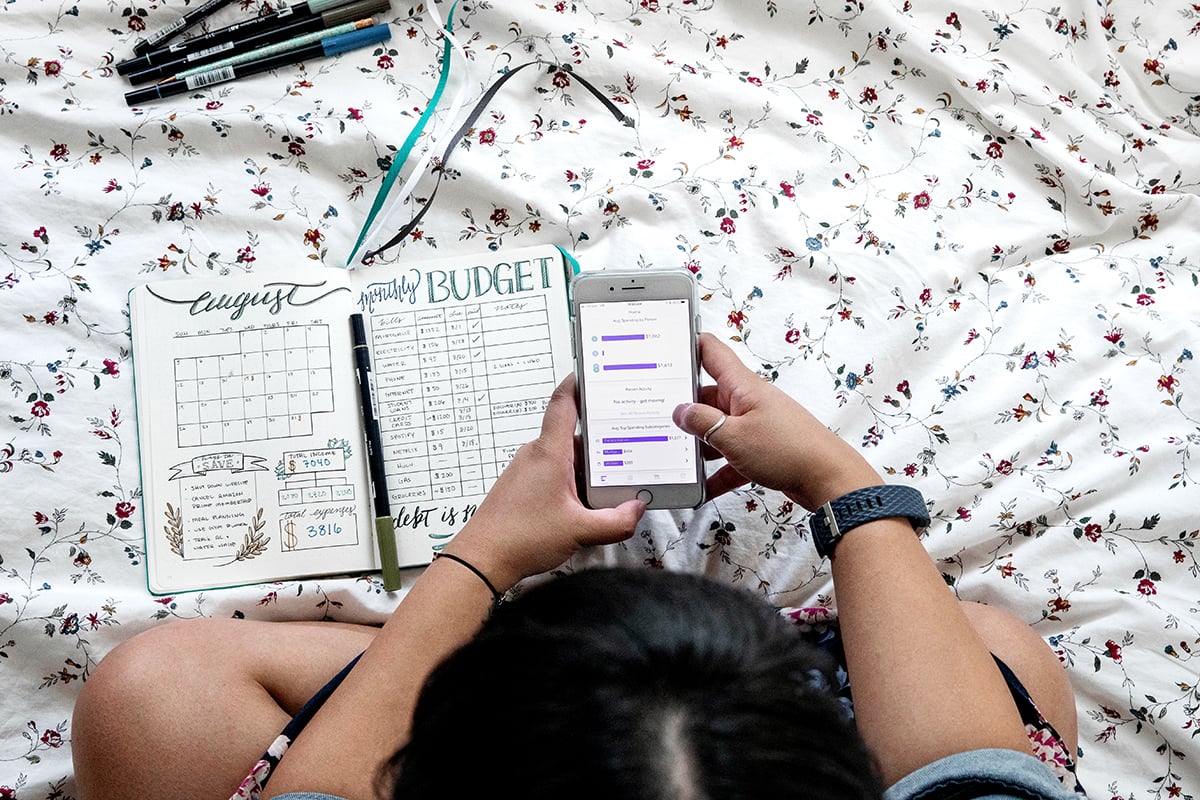

Choosing a budgeting app is personal. What works for a couple with joint finances will be different than what works for someone budgeting solo for the first time. Rather than assign a star rating, we evaluate every app against a consistent set of criteria and then match the strongest performers to specific use cases, so you can find the app that best works for you.
How We Evaluate Every App
Before ranking anything by use case, every app has to offer baseline features. We looked for apps that let users:
- Track their bills. Missed bills can lead to late fees and credit dings, so we prioritized apps with bill tracking and reminders over ones that only track spending after the fact.
- See expenses categorized and spot spending patterns. A budgeting app should do more than log transactions — it should help you understand where your money is going and flag patterns you might not notice on your own (recurring subscriptions, categories creeping over budget, etc.).
- Track transactions and allow users to plan ahead. We favored apps that combine transaction tracking with forward-looking planning tools, because budgeting is as much about the next paycheck as the last one.
- Share finances with a household or partner. Money management is rarely a solo venture. We looked at how easily an app lets multiple users view, edit or comment on a shared budget.
- Pay a reasonable price for the features offered. We weighed cost against functionality rather than ranking by price alone — a paid app that saves you money or time can be worth more than a free app that leaves you doing manual work.
Secondary Features We Considered
Beyond the core criteria, we gave extra credit to apps offering:
- Net worth calculations, for a clear snapshot of your financial health.
- Credit score monitoring, so users can keep an eye on their creditworthiness.
- Investment tracking, for users who want budgeting and investing in one place.
- Free financial education, including built-in guides, articles or courses.
- Community features, like forums or groups where users can ask questions or stay accountable.
How We Rank Apps by Use Case
We apply the same core criteria above to every use case, then weight specific factors more heavily depending on who the category is designed for:
| Use Case | What We Weighted Most |
| Best for couples and families | Ease of sharing finances and joint bill tracking |
| Best free budgeting apps | Price — how much value you get at $0 |
| Best for beginners | Quick setup and overall simplicity |
| Best expense tracking apps | Ease of use, features to track expenses |
| Best zero-based budgeting apps | Support for assigning every dollar a job |
| Best 50/30/20 apps | Built-in tools for the needs/wants/savings split |
Our Testing Process
To rank apps, our team:
- Compares pricing tiers to confirm what’s free versus gated behind a paywall, because many apps advertise “free” features that require a premium upgrade to fully use.
- Reviews app store ratings and user feedback as a secondary signal, alongside our own testing.
- Checks security practices, including encryption standards and whether the app has the ability to move money.
Keeping This Methodology Current
Budgeting apps change their features and pricing often, so we revisit our rankings twice a year and update this page whenever we retest.
A Note on How We Make Money
The Penny Hoarder may earn a commission from some of the apps listed in our reviews. This never affects our rankings — our evaluation criteria are applied the same way whether or not we have a financial relationship with the app.